
What to do when you have lost a device
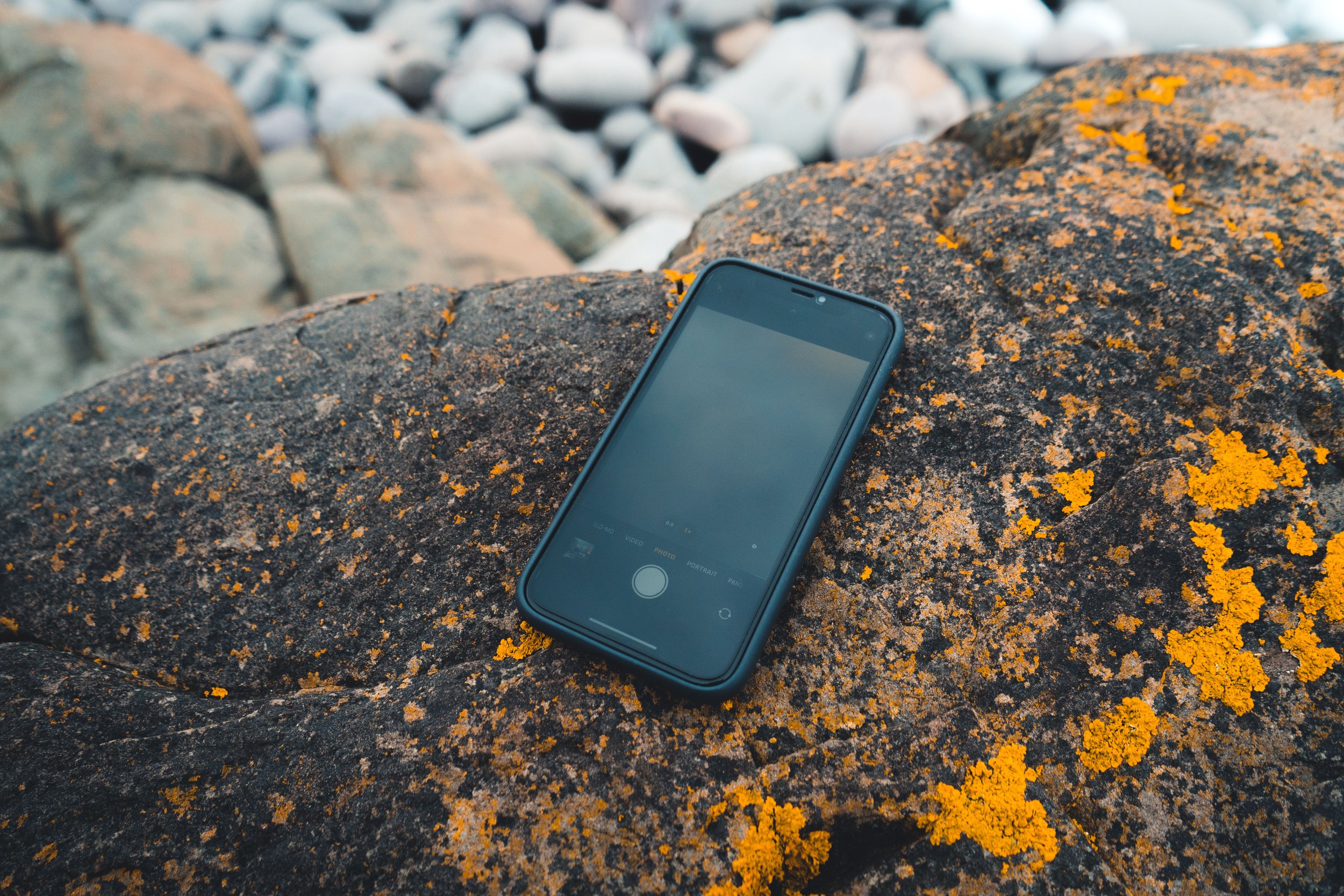
Losing a device can be frustrating, inconvenient and costly. If your device is not adequately protected (for example, with a passcode, PIN, password or encryption), the information stored on it may be at risk. Many devices also allow payments using stored bank cards or digital wallets, so acting quickly can help reduce the risk of financial loss.
If you believe your device has been stolen rather than simply misplaced, prioritise your personal safety. Do not attempt to recover the device if doing so could put you at risk. Report the theft to the South African Police Service (SAPS) and use the available security features to secure your device remotely where possible.
We want to better understand the impact of you experiencing this issue, can you share your experience by filling in this online form? This will help us better protect future victims.
Lost device - do this first!
Contact your bank immediately - If you use banking apps, digital wallets (such as Apple Wallet or Google Wallet) or other payment apps on your device, contact your bank immediately. Ask them to temporarily freeze your physical or virtual cards, or apply appropriate security measures until you have regained control of your accounts and updated your passwords.
Lock your device - Use your device's tracking service (such as Find My or Find My Device) to lock your device remotely where available.
Enable lost mode - If your device supports it, place it into Lost Mode. This can help protect your information while increasing the chances of recovering the device.
Remotely erase your device if necessary - If you believe you are unlikely to recover the device, remotely erase it.
Important: A remote erase only takes place once the device connects to the internet. Leave the erase request active until it has been completed.
Contact your mobile network provider - Report the device as lost or stolen and ask your mobile network provider to suspend your SIM or eSIM to prevent unauthorised use.
Change important passwords - Change the password for your email account first, as it is often used to reset passwords for other services. Then change the passwords for banking, social media, cloud storage and any other important accounts accessed from the device.
Report theft to SAPS - If you believe your device has been stolen, report the incident to SAPS. Keep a record of your case number and your device's serial number or IMEI, if available.
Approaches to dealing with a lost device
Continue monitoring your device - Use your device's tracking service to monitor its location where available. If you believe the device has been stolen, avoid attempting to recover it yourself if doing so could place you at risk. Share any relevant location information with SAPS instead.
Review accounts activity - Some online services allow you to view recently connected devices and active sessions. Check for unfamiliar devices or locations and sign out of sessions or revoke access where appropriate.
Change passwords -Changing passwords helps protect your accounts if someone gains access to your device. If you have not already done so, prioritise your email account first, followed by banking and other important accounts.
Insurance- If your device is insured against loss or theft, contact your insurer as soon as possible and follow their claims process.
Assume your data may have been exposed - If sensitive personal or work information was stored on the device, assume someone else may have access to it. Consider whether you should notify your employer, financial institution or anyone else who may be affected, and monitor your accounts for suspicious activity.
Be prepared for next time
Protect your device with a passcode and biometrics - Protect your device using a strong PIN, password or passcode.
Where possible:
Use a PIN of at least six non-sequential digits.
Enable fingerprint or facial recognition if your device supports it.
Enable the recommended security settings provided by your device's operating system.
Enable encryption - Most modern smartphones encrypt data automatically once a secure screen lock is enabled. Review your device's security settings to ensure encryption and other recommended security features are enabled.
Enable tracking features - Ensure features such as Find My or Find My Device are enabled before you lose your device. These services can help you locate, lock or erase your device if it is lost or stolen.
Back-up your data - Regularly back up your device so your information can be restored if the device is lost or replaced.
Keep a record of key device details - Record important information such as your device's make, model, serial number and IMEI. This information can assist your mobile network provider, insurer or SAPS if your device is lost or stolen.
Donate
Your generosity makes our free support possible. Please consider giving today.
Without donations, we cannot keep our service free or provide help to the most vulnerable victims of cybercrime when they need it most. As a not-for-profit organisation, every donation goes directly towards keeping The Cyber Helpline up and running. Donate now and help us support victims of cybercrime.